
Called for a check?
Download client when server staff asks for it. It finds cheats and Steam accounts to confirm that your gameplay is clean.
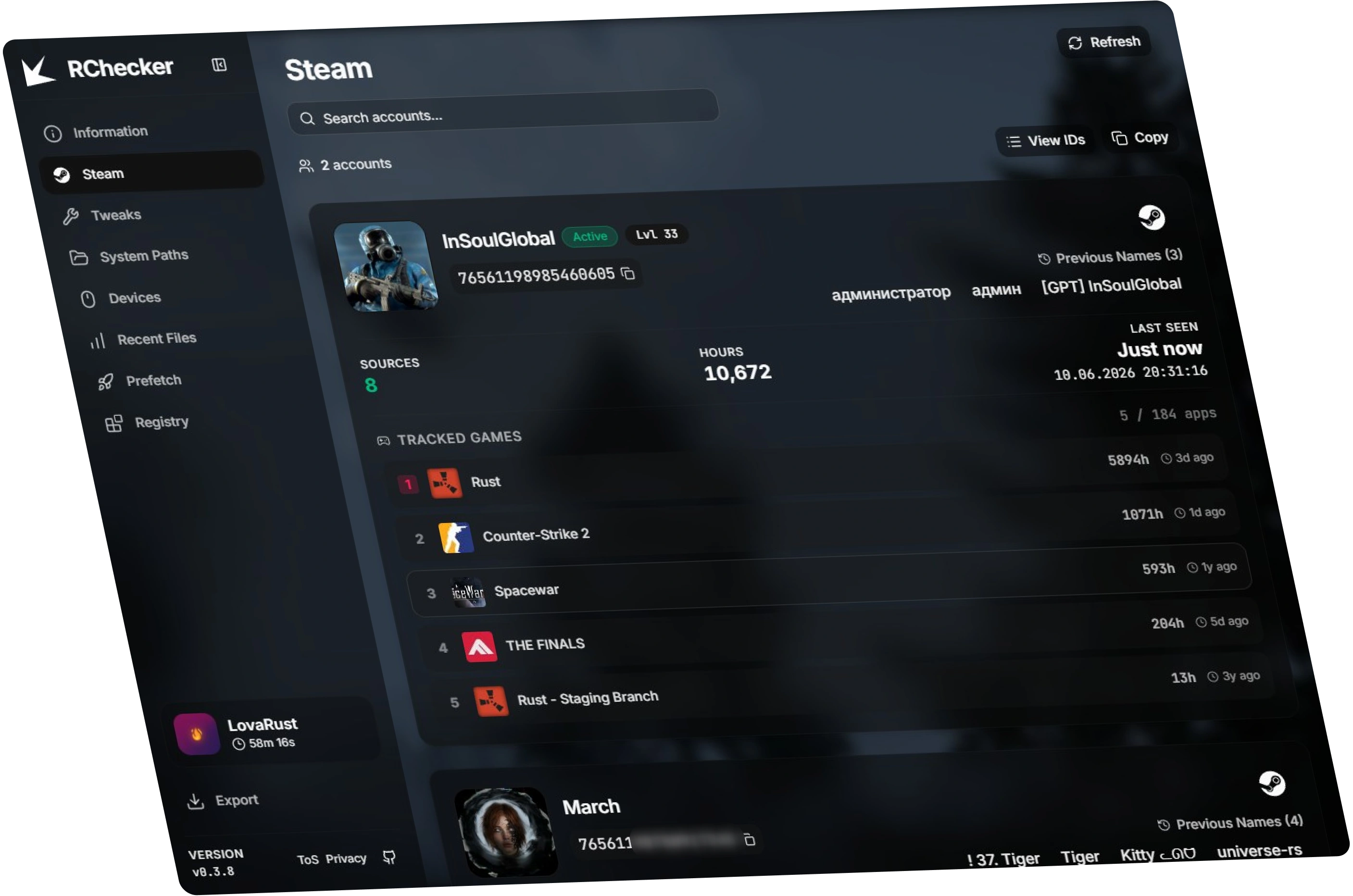
What RChecker checks
Desktop workflow for Steam account checks, Windows activity review, device context, and Windows settings that affect check traces.
- System, hardware, and Windows runtime info
- Steam accounts, names, and playtime
- Mice, USB storage, macros, and DMA devices
- Windows activity traces and system records
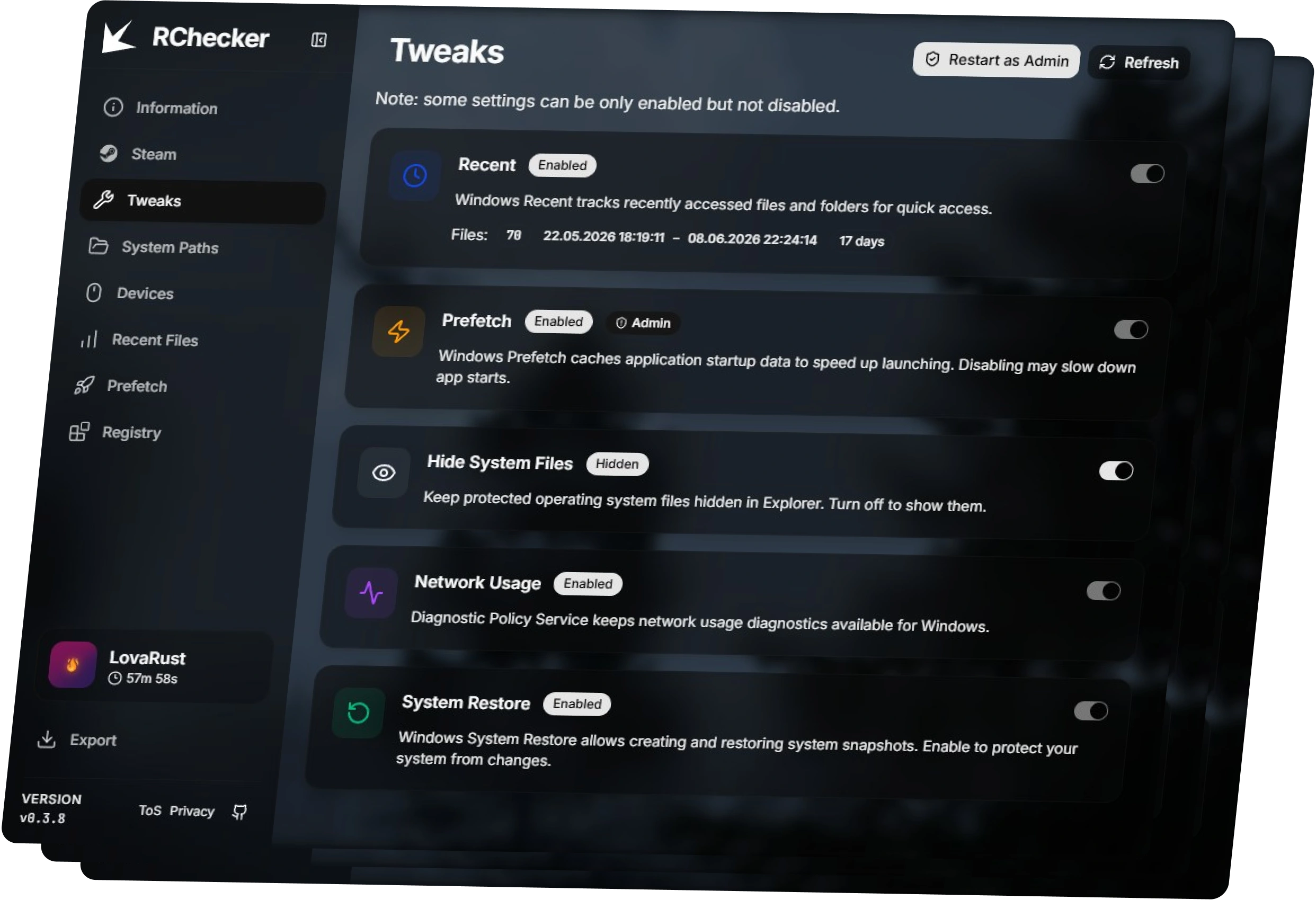
- Windows settings that can disrupt future checks
Download FAQ
Is RChecker Client safe?
Download it from rchecker.com. Current build shows 0/69 detections on VirusTotal. If you want an extra check, upload the file there.
Windows says the app is unrecognized. What should I do?
Windows shows that warning because current builds are not signed. Code-signing certificates are expensive, so signing will be added when more projects use RChecker. If you downloaded the client from this page, click More info -> Run anyway.
What data is sent?
Data RChecker Client sends is listed in the Privacy Policy.
How do I use it?
Download and open RChecker Client. When the moderator creates a check and it appears in the client, press Send report. After that, the moderator uses the RChecker app for the cheat check.
Why RChecker instead of manual checks?
RChecker helps moderators check players faster without jumping between LastActivityView, ShellBag Analyzer & Cleaner, Registry Editor, and other programs. It keeps accounts scoped to the project, gets regular updates, and automatically parses activity, metadata, and digital signatures.
How do I fix the WebView2 missing error?
Install Microsoft Edge WebView2 Runtime, then open RChecker Client again.